
Do you start from scratch every season?
Your store changes over all year round. The lookINsight Store OS records that year: the calendar, and the floor plan that changes with it. So you don't have to work it out again every season.
GAARDE Tuinhof, our own sample design. Play the year.


How did your last changeover go?
We hear this from garden centres more and more often.
- Does it never feel as if it's really running efficiently?
- Does a changeover take too much time, and is the store in a mess for too long?
- Are you missing sales because the changeover wasn't quick enough?
- Were you short of shop fixtures, so you couldn't carry on setting up?
Do the sums on your own changeover.
Is it written down anywhere where those hours go?
Based on eight-hour working days. The figures are yours; we only add them up.One switch to the spring layout, counted from the drawings of the first store in Store OS.
You need an operating system for your store.
The calendar
What happens over the year. This is where you keep track of it: your themes, the occasions, the school holidays, the weather.
The floor plan
What changes in your store as a result. The layout every week, with every fixture.
Around that, you
- build
- plan
- buy
- schedule staff
The lookINsight Store OS.
With a good plan and a good schedule, a changeover runs more efficiently. That is what the lookINsight Store OS brings.
GAARDE Tuinhof, lookINsight's own design.
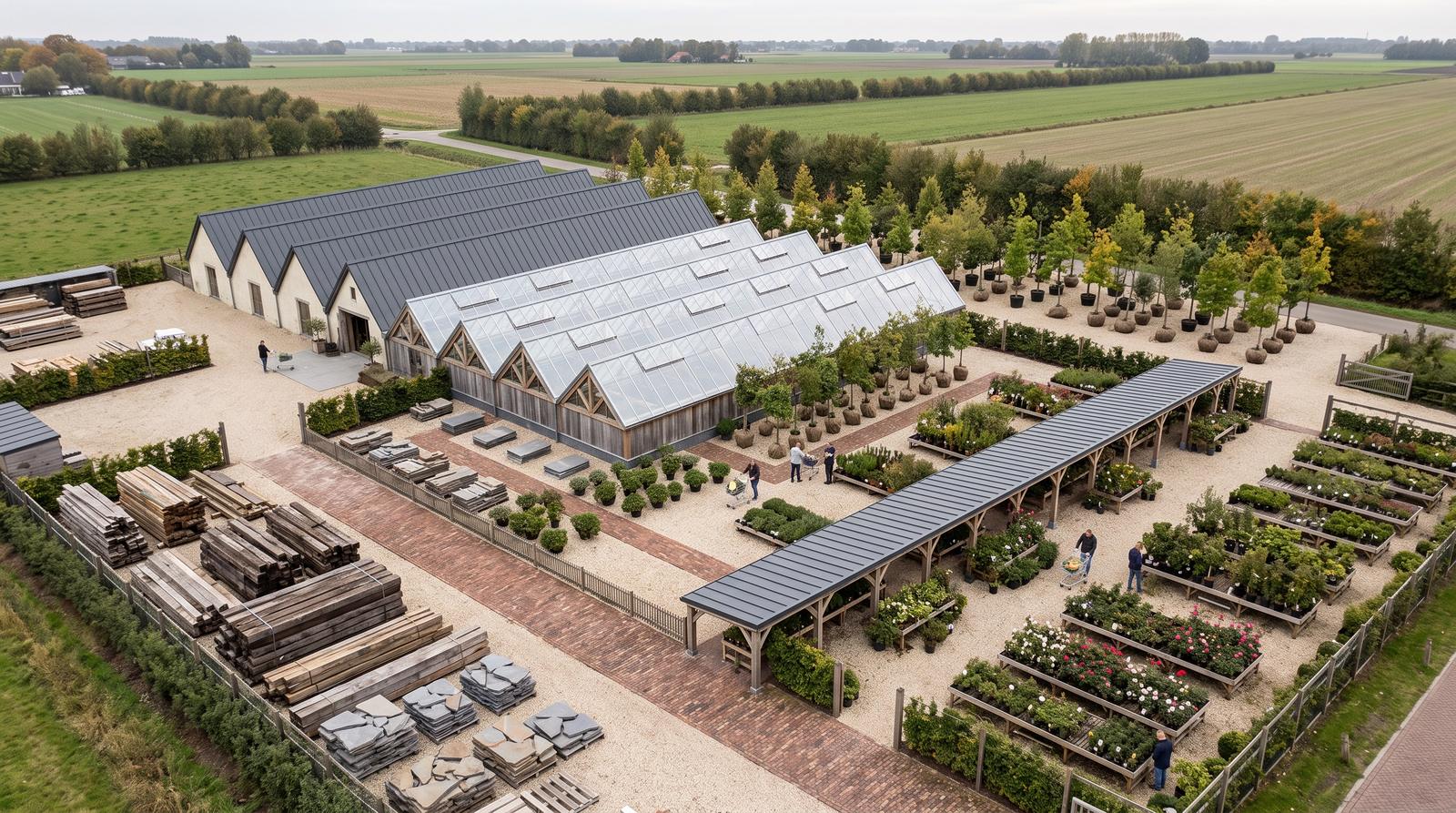
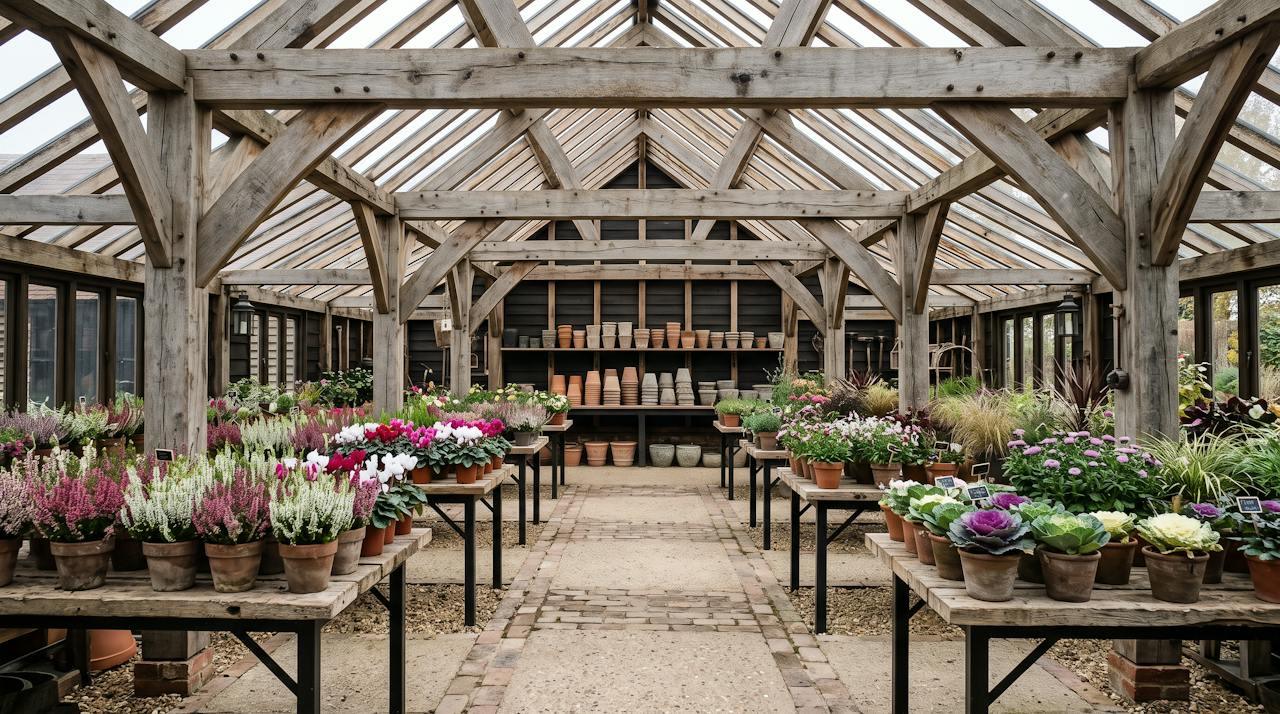
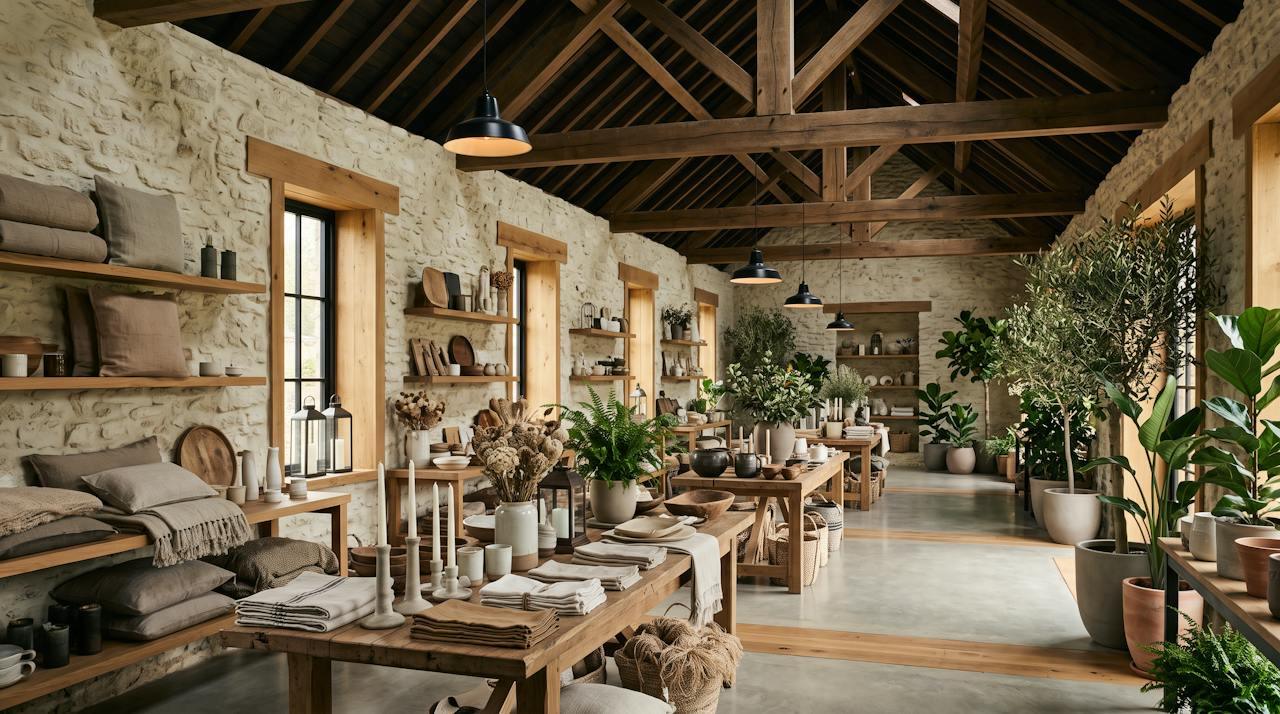
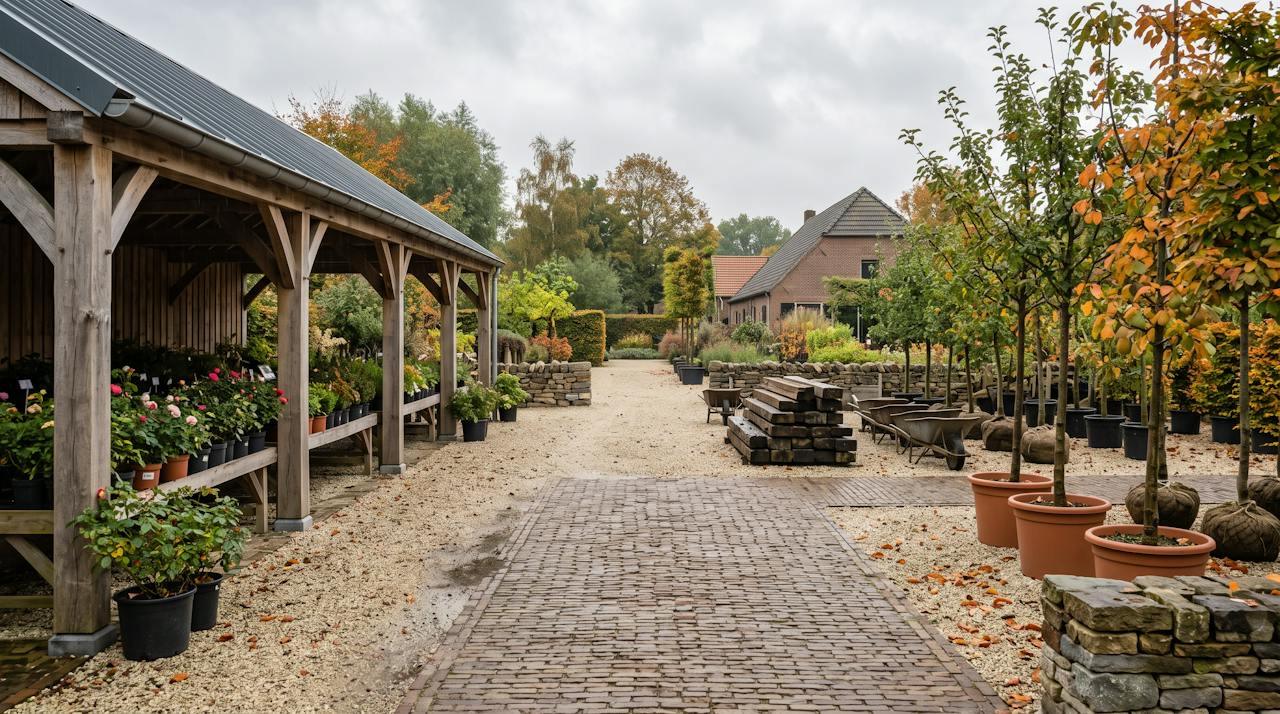

Do the Christmas changeover at GAARDE Tuinhof.
- Find the corner that isn't earning its floor space
- See what the changeover takes
- Reassign a group yourself
Every week your team knows what needs doing.
A recording of Store OS with the GAARDE Tuinhof store: reassigning a group, looking at the week 41 changeover and turning it into a task.
What changes when the year and the floor are in one place.
- Every season you start from scratchThe year is in there, with every switch in its week
- Halfway through, you turn out to be short of fixturesThe materials list is ready before the changeover
- A group moves and the drawing falls behindWhoever moves the group reassigns it on the iPad
- Sales per department, without the floor spaceSales per m², on the spot where it stood
You do it yourself. We do the drawing work.
Your team
- Reassigning product groups
- Creating and tracking tasks
- Recording what is on the floor each week
- Linking events to departments
lookINsight
- Drawing and importing the layout
- Setting up every new version
- Working out the changeover
- Setting up the planned layout
Adding, removing or moving fixtures remains design work, done through the drawing.
On your own floor in four steps.
- We import your drawing.Or we draw the store first. During that first survey we also count your shop fixtures.
- Together we put the year in.Every event on the floor, with its week.
- Your team starts working with it.On the iPad or a phone.
- We import every new layout.You see straight away what the changeover takes.
A fixed amount per month, based on the size of your store.
Store OS
€ 195 per month
- The calendar and the floor plan
- Tasks per department and per week
- The materials list for every changeover
- Two layouts a year, imported by us
- Eight named users and one login for the shop floor
Store OS Plus
€ 405 per month
- Everything in Store OS
- Sales per m² on the floor plan, from your till data
- A working session on your floor space every year
Set-up, one-off
€ 2.950
- Importing your drawing, with every fixture
- Counting your shop fixtures
- Putting the year in together
Prices per location, excluding VAT. The set-up assumes an existing drawing of your store. Importing an extra layout costs €750. Drawing a new layout remains design work, quoted separately. Chains on request.
What you don't need for it, and what you do.
Do we need Archicad?
No. The drawing stays with us. You work in the browser.
Does it work on a phone?
It is made for the iPad in the store and works on a phone too.
Does this replace our planogram?
No. Store OS works per department and per fixture. You attach a planogram to the department as a file or a link.
What till data does the heatmap need?
Sales per department, per week or per month.
Who has access?
Every garden centre has its own private environment behind a login.
Would you like to see it on your own floor?
Store OS is now in pilot at the first garden centre. We would be glad to show you how it works and what it takes for your store.